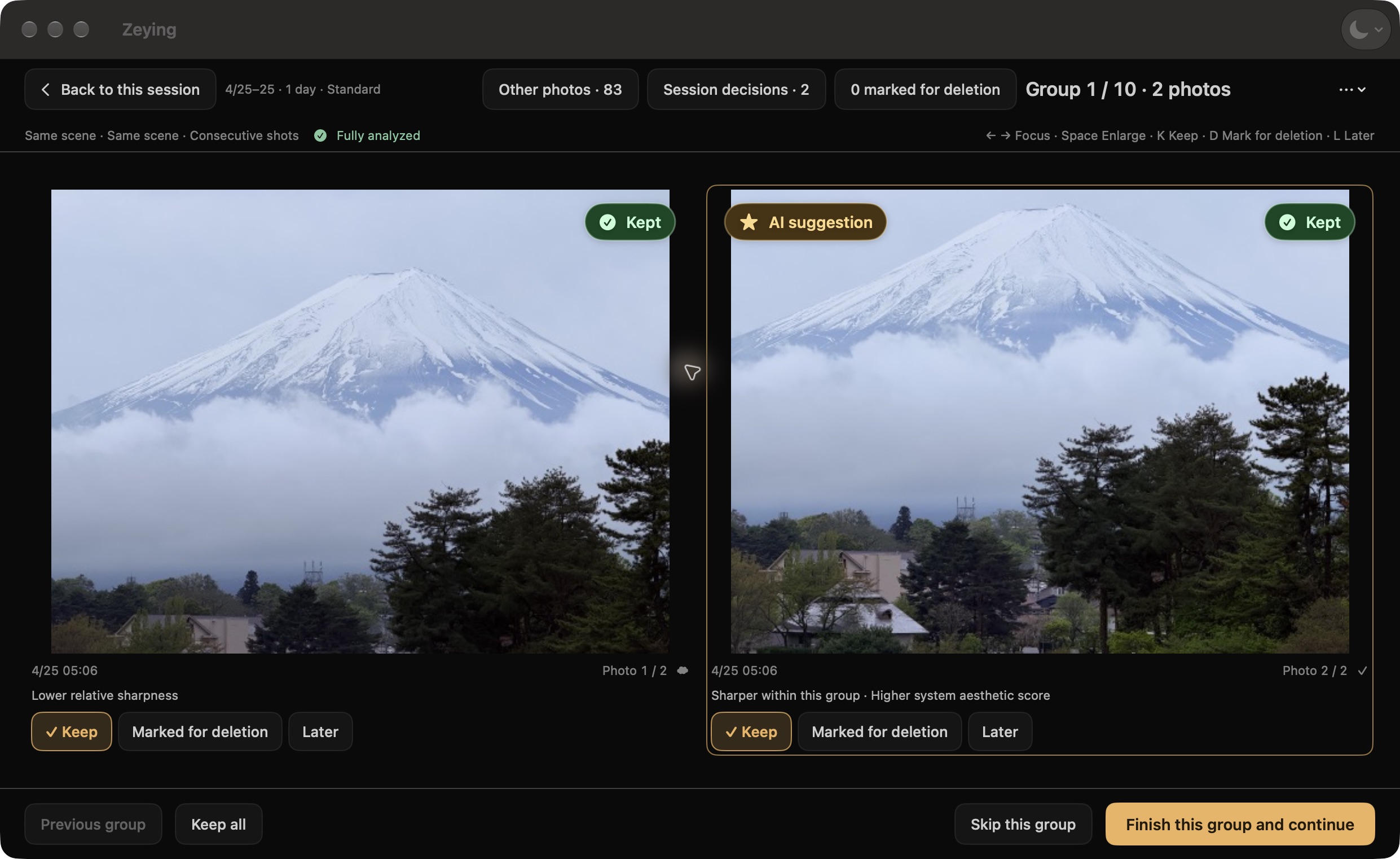
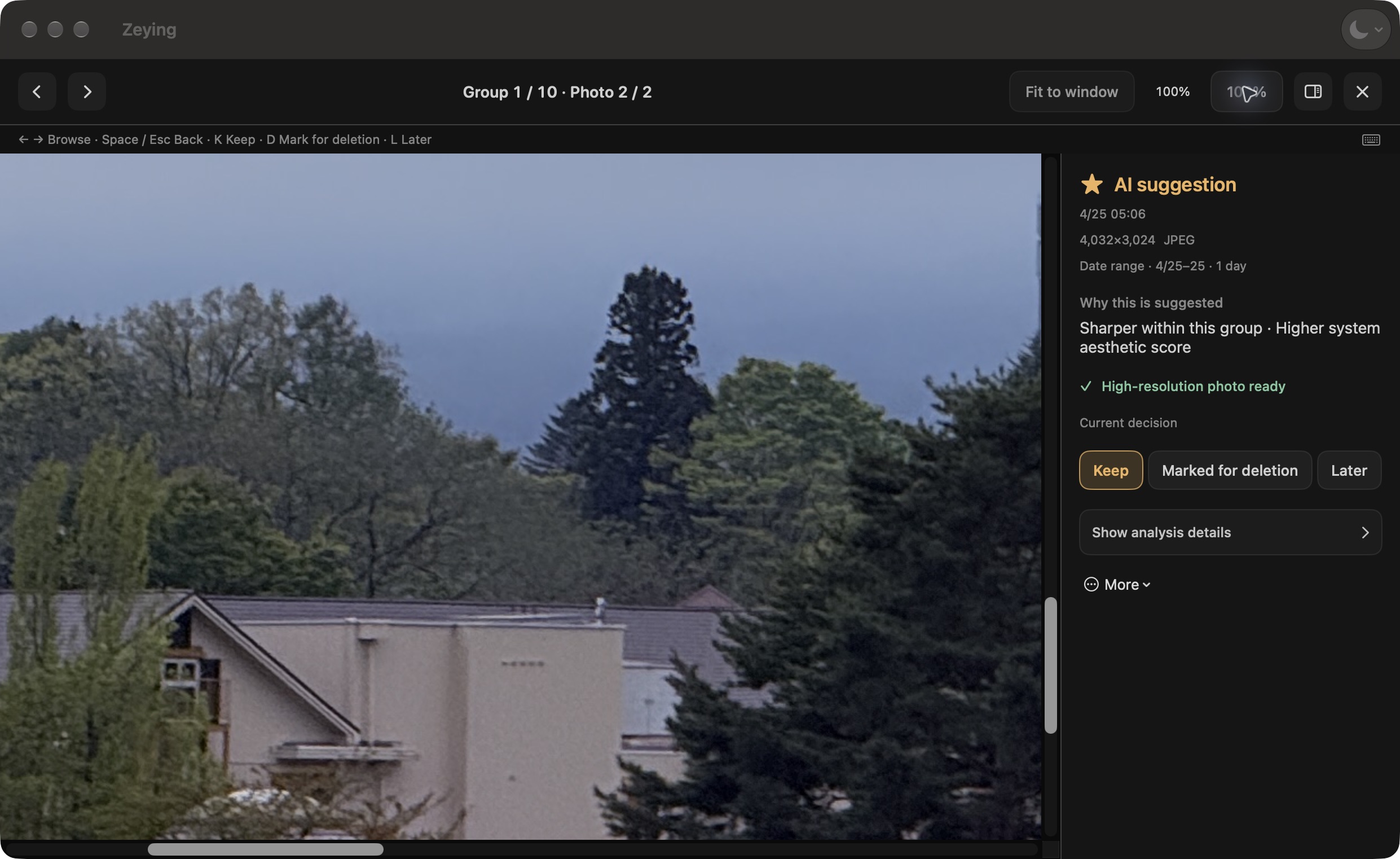
Two seaside shots look alike, but the framing and distant details differ. Compare them, then watch real zoom and marking actions.
Compare the framing, then watch zoom and marking actions.
Look at the ship, people and space around them. Which framing feels right?View the photo at 100%, then drag to inspect the detail.Mark what you don’t want, then review the final list before confirming.
A closer look, on your Mac.
Real product interface · Click to enlarge
01 · From more shots to better choices
Let the good ones stand out.
A trip. A sunset. A date range. Bring a small batch into focus and make one clear choice at a time.
01
Start with a memory
Choose a year, month, or date range. Your whole library can wait.
02
Put the difference in view
Compare similar shots side by side. Inspect light, framing, and sharpness at 100%.
03
Come back where you left off
Save your session and continue later. Keep, return later, or mark for deletion at your own pace.
02 · Look closer
Your eye. Your keeper.
Hints help you spot differences. You decide what stays. Marking does not delete; review the final list before confirming.
Availability, requirements and photo handling
03 · Made for your Mac
Ready for your next round of picks.
Availability
Coming soon. Planned US$9.99 one-time paid download. Purchasing and downloading are not available yet.
Launch regions
United States, United Kingdom, Canada, Australia, and New Zealand. Local prices follow the actual App Store display.
Requirements
Mac with Apple silicon, macOS 14 or later, and Photos access.
App languages
English and Simplified Chinese. Follow System is the default; language changes apply on the next launch.
On your Mac
Analysis runs on your Mac. iCloud image downloads and place-name lookup from photo location metadata may use Apple's online services.
Photos and deletion
Groups and hints can be incomplete or wrong; Zeying is not an exhaustive duplicate search. Deletion requires full authorization and system permission. iCloud deletions may sync to other devices. Recovery is managed by Apple Photos and is not guaranteed.
Batch size
Quick filtering handles up to 500 photos per run.
Want to try Zeying? Tell me how you choose your photos. colinzw@gmail.com